


Upcoming Services
Sunday, November 8
8:00 am Holy Eucharist said
9:30 Choir warm-up
9:45 am Church School begins
Nursery available
10:00 am Holy Eucharist with music
also live on Facebook
11:25 Choir rehearsal
coffee hour follows each service
in the Bay Room
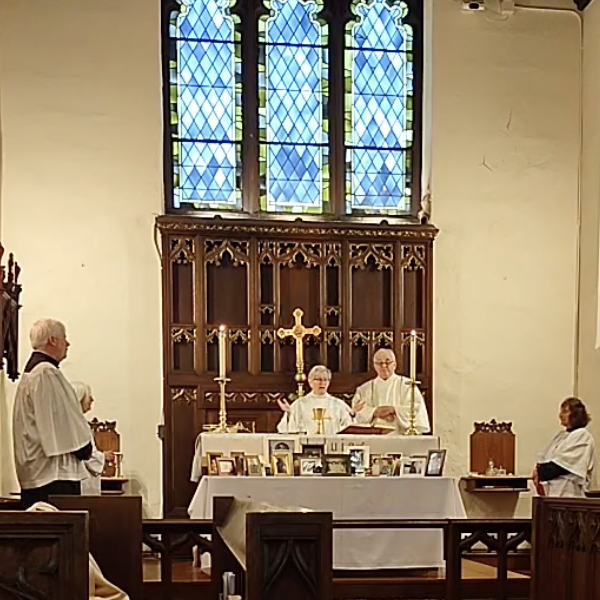 All Saints’ Sunday, November 1 Holy Eucharist
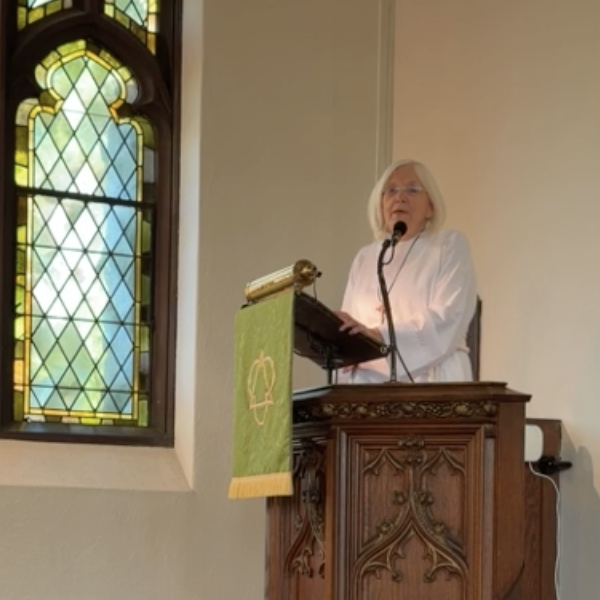 Sunday, October 25 Holy Eucharist
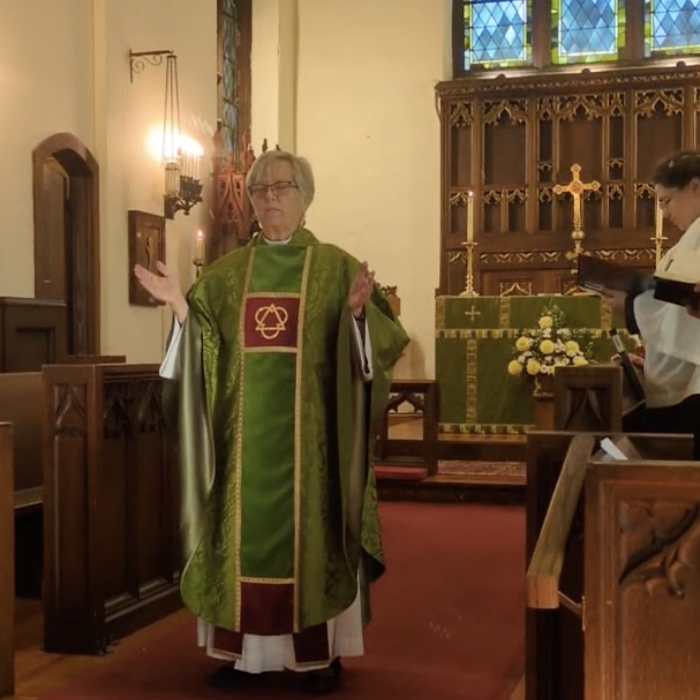 Sunday, October 18 Holy Eucharist
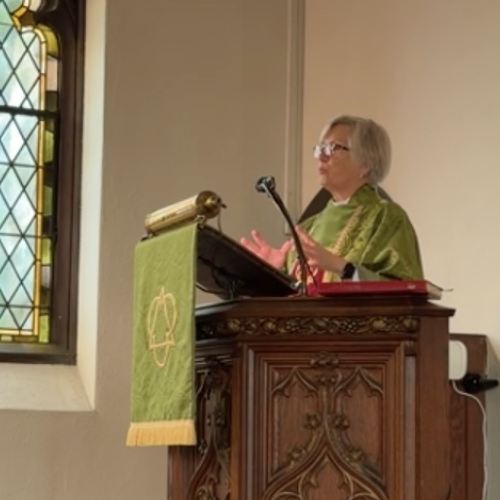 Sunday, October 11 Holy Eucharist